
#
Select Model
The Select Model feature allows you to choose which AI model powers your agent. This gives you control over response style, speed, and capabilities depending on your use case.
#
Available Models
Meta Llama 4 Maverick Optimized for balanced reasoning, speed, and task versatility. Suitable for most general-purpose concierge tasks.
DeepSeek R1 70B A strong performer for code generation, reasoning, and long-context understanding. Ideal for technical or development-related agents.
Meta Llama 3.3 70B High-accuracy language model with advanced comprehension. Great for nuanced responses, professional writing, and creative use cases.
#
How to Select a Model
- Navigate to Phoeniqs portal.
- Under the Model section, choose from the available dropdown options.
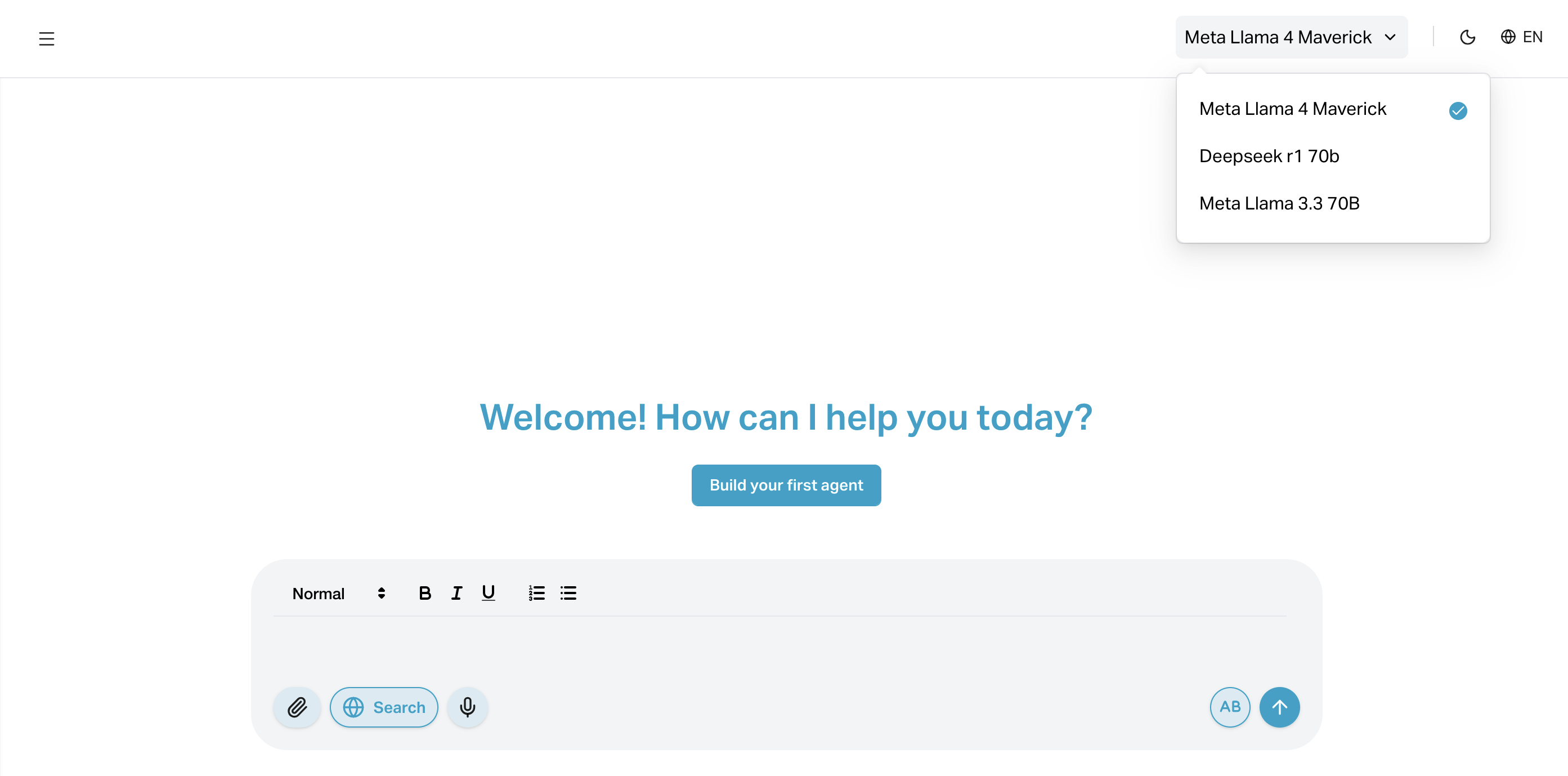
- Save the agent to apply the selected model.
#
Use Cases
- Llama 4 Maverick: Customer service, general Q&A, multilingual agents
- DeepSeek R1 70B: Developer support, code generation, documentation bots
- Llama 3.3 70B: Legal, HR, writing-intensive tasks, or any scenario needing high linguistic precision
#
Notes
- Some models may have usage limitations or higher compute costs
- You can change models at any time by editing the agent
- Model performance may vary depending on prompt complexity and context length